
Don't Splash Rope Reach: Upgrade Costs and Rescue Tips
Learn how Don't Splash rope reach helps teammate rescues, what the 75 Robux upgrade includes, and how to choose between more range and faster rescue speed.
Jump to
What Does Rope Reach Do?
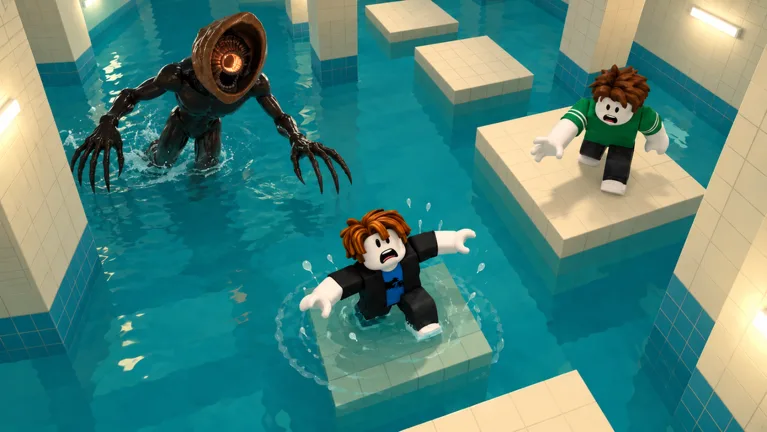
A fallen teammate is hard to help when your rope cannot reach them. Don't Splash rope reach increases the rope’s rescue distance, giving you more room to work from a safe platform. It addresses distance, while the separate Rescue Speed upgrade makes rescuing teammates quicker.
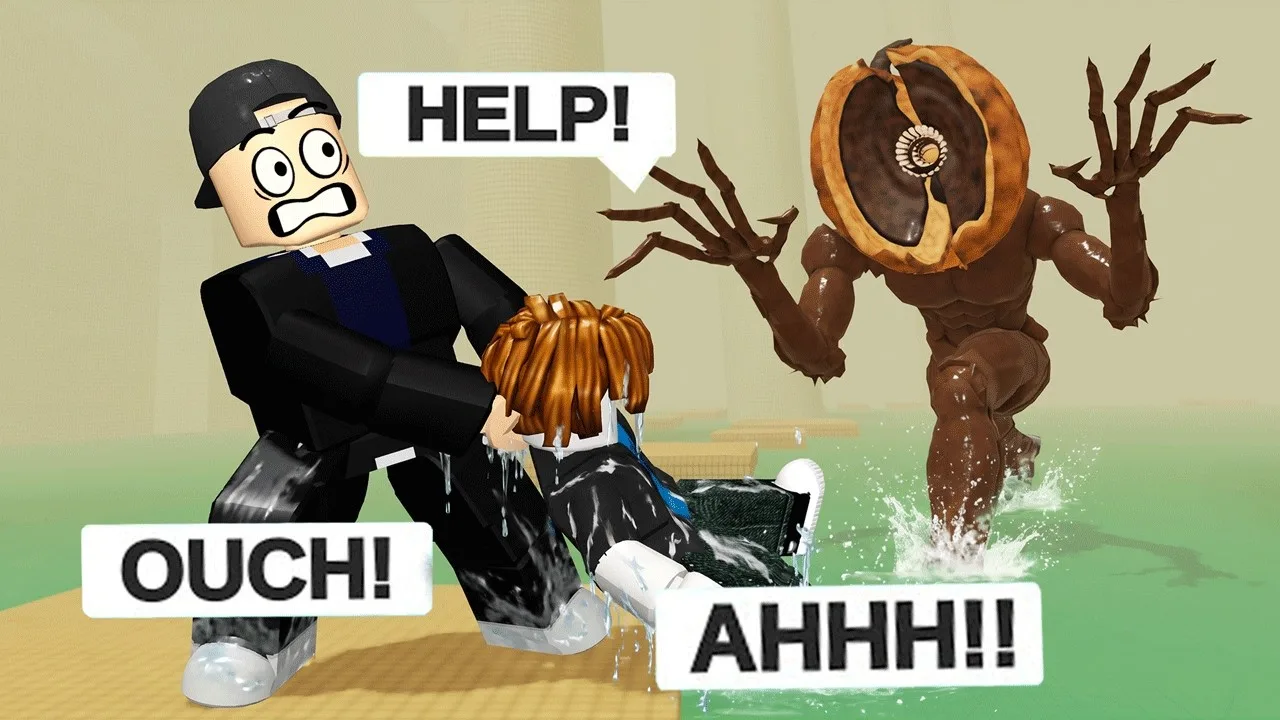
The Rescue Rope pulls fallen teammates back up. Extra reach supports that role, but your position still matters: standing on an unstable platform or moving toward the monster can turn a teammate’s mistake into trouble for the rescuer.
Focus on what interrupts your rescues. If teammates fall beyond your rope’s range, prioritize reach. If you can reach them but struggle to finish the rescue quickly, consider Rescue Speed.
Official page: Don't Splash (roblox.com)
Rope Upgrades and Robux Prices
You can spend Coins earned from clearing rooms and escaping maps on lobby upgrades, including Rope Reach and Rescue Speed. The game also sells permanent passes for the rope unlock and maximum upgrade levels.
| Purchase | Price | Effect |
|---|---|---|
| Rescue Rope | 30 Robux | Permanent reusable rope unlock |
| Max Rope Reach | 75 Robux | Rope Reach at level 3/3 forever |
| Max Rescue Speed | 75 Robux | Rescue Speed at level 3/3 forever |
The rope unlock, reach upgrade, and speed upgrade have different purposes. Choose the Rescue Rope for its permanent tool unlock, Max Rope Reach for distance, or Max Rescue Speed for quicker rescues.
For the Coin route, return to the lobby upgrades menu after earning currency through runs. Read the purchase description before spending so you can compare the next upgrade’s effect and cost.
How to Position Yourself for a Rescue
The monster reacts to splashes, so a fallen teammate creates a dangerous moment. Plan the rescue around both the teammate’s location and your own footing.
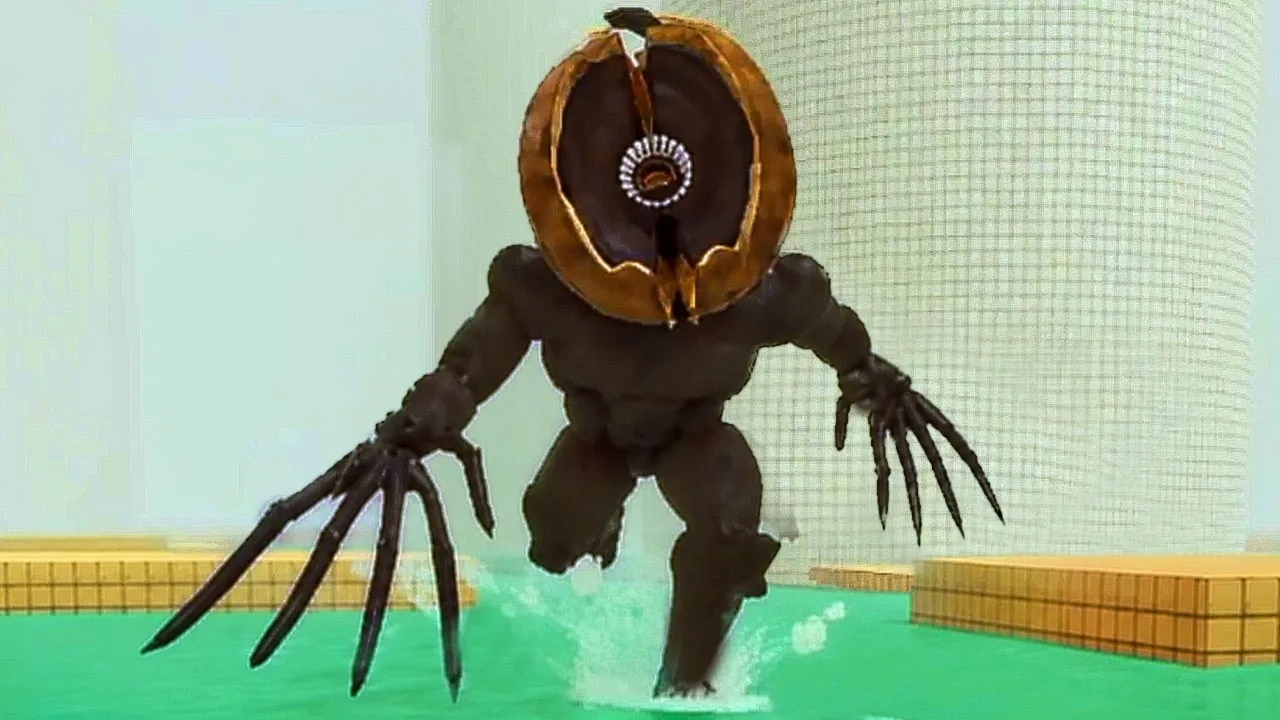
On rotating bridges, watch for the bridge’s end to approach the next path before crossing toward a rescue position. For moving platforms, account for where the platform will be when you land. Pushing steps move your character in the direction marked on the floor, so prepare your next move before lingering on them.
- Find stable ground. Look for a platform where you can pause safely. A sinking platform gives you less time to judge the situation.
- Check the monster’s position. Keep track of the threat before moving closer to the water.
- Coordinate a distraction. Have another teammate throw a pebble or bottle away from the rescue position to draw the monster elsewhere.
- Get within rope range. Approach from stable footing instead of rushing into another risky jump.
- Perform the rescue while watching your surroundings. Keep enough space for the player handling the rope.
Aim distractions away from the route you need. Throwing an item beside the rescue platform can bring the monster toward the same spot where your team is trying to recover.
Flares briefly stun monsters, offering another tool for a coordinated rescue. Decide who will use the flare and who will handle the rope before everyone crowds the edge.
Which Upgrade Should You Prioritize?
Choose upgrades around the problems that repeat across your runs.
- Teammates fall outside your rescue range: Invest in Rope Reach.
- Rescues take too long once you are in range: Invest in Rescue Speed.
- Your distractions land too close: Work on Throwing Range.
- You want pebbles to create more splashes: Work on Pebble Skipping.
For solo runs, prioritize Throwing Range and Pebble Skipping over teammate-rescue upgrades. Both improve distraction tools you can use while crossing rooms alone.
In a group, leave space between players on narrow or moving platforms. Let the player ahead reach a stable position before following, and call out sinking footholds. Give the rope user a safe place to stand before attempting a difficult crossing.
Continue with
 Don't Splash Toy Battery: Upgrade Effects and ValueDon't Splash toy battery extends your Wind-Up Toy's distraction time. Learn its first upgrade effect, where to buy it, and when to spend coins elsewhere.
More in Upgrades
Don't Splash Best Upgrades: What to Buy for Each Run
Choose Don't Splash best upgrades for solo runs and team rescues. Compare Throwing Range, Rescue Speed, gear effects, and Robux prices before you spend.
Don't Splash Flare Radius: Upgrade Effects and Cost
Don't Splash flare radius increases flare reach and duration. Learn how the upgrade works, its 75 Robux max-level option, and how to spend your Coins.
Don't Splash Rescue Speed: Upgrade Stats and Buying Tips
Don't Splash rescue speed cuts teammate recovery time. Compare its first upgrade, Rope Reach, and Robux passes to choose what your co-op loadout needs.
Continue exploring
Join the community
Official channels for news, updates and player help: