
Don't Splash Best Upgrades: What to Buy for Each Run
Choose Don't Splash best upgrades for solo runs and team rescues. Compare Throwing Range, Rescue Speed, gear effects, and Robux prices before you spend.
Jump to
Which Upgrades Should You Buy?
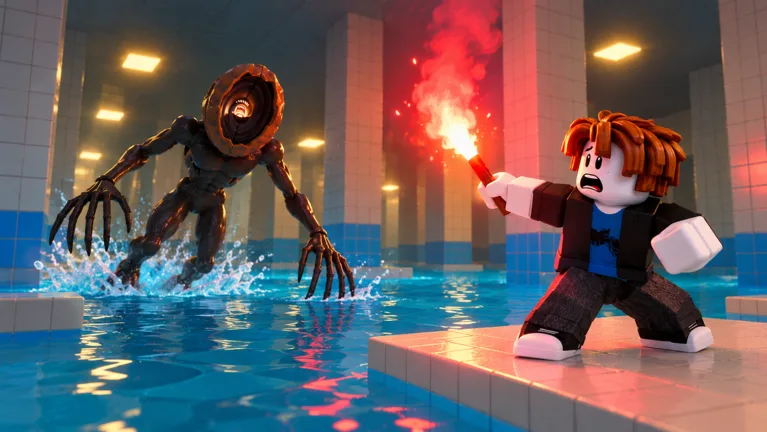
A missed jump is dangerous; a slow rescue can cost your team another player. If you're choosing Don't Splash best upgrades, prioritize Throwing Range for solo runs and Rescue Speed for co-op. Spend your Coins on upgrades that improve the equipment you actually use.
Throwing Range improves both Pebbles and Bottles, giving you more distance between your route and the splash distracting a monster. Rescue Speed addresses a different problem: getting a teammate out of the water before the rescue turns into another casualty.
Use these upgrade effects to match your purchases to your loadout:
| Upgrade | Effect | Equipment or action affected |
|---|---|---|
| Throwing Range | Adds 10% throwing distance per level | Pebbles and Bottles |
| Rescue Speed | Reduces rescue time from 3.0 to 2.8 seconds | Rescuing teammates |
| Rope Reach | Increases reach from 12 to 14 studs | Rescue Rope |
| Pebble Skipping | Adds one splash per pebble per level | Pebbles |
| Toy Battery | Extends operation from 6 to 7 seconds | Wind-Up Toy |
| Flare Radius | Increases radius from 10 to 11 studs | Flare |
Choose between speed and reach by identifying what stops your rescues. Upgrade Rescue Speed when you can reach teammates but struggle to finish pulling them out. Upgrade Rope Reach when they fall beyond your rope's range.
Official page: Don't Splash (roblox.com)
Solo Runs: Prioritize Throwing Range and Pebble Skipping
Start with Throwing Range, then add Pebble Skipping if Pebbles are your regular distraction tool. Both upgrades support solo play, where you need to handle movement and monster distractions yourself.
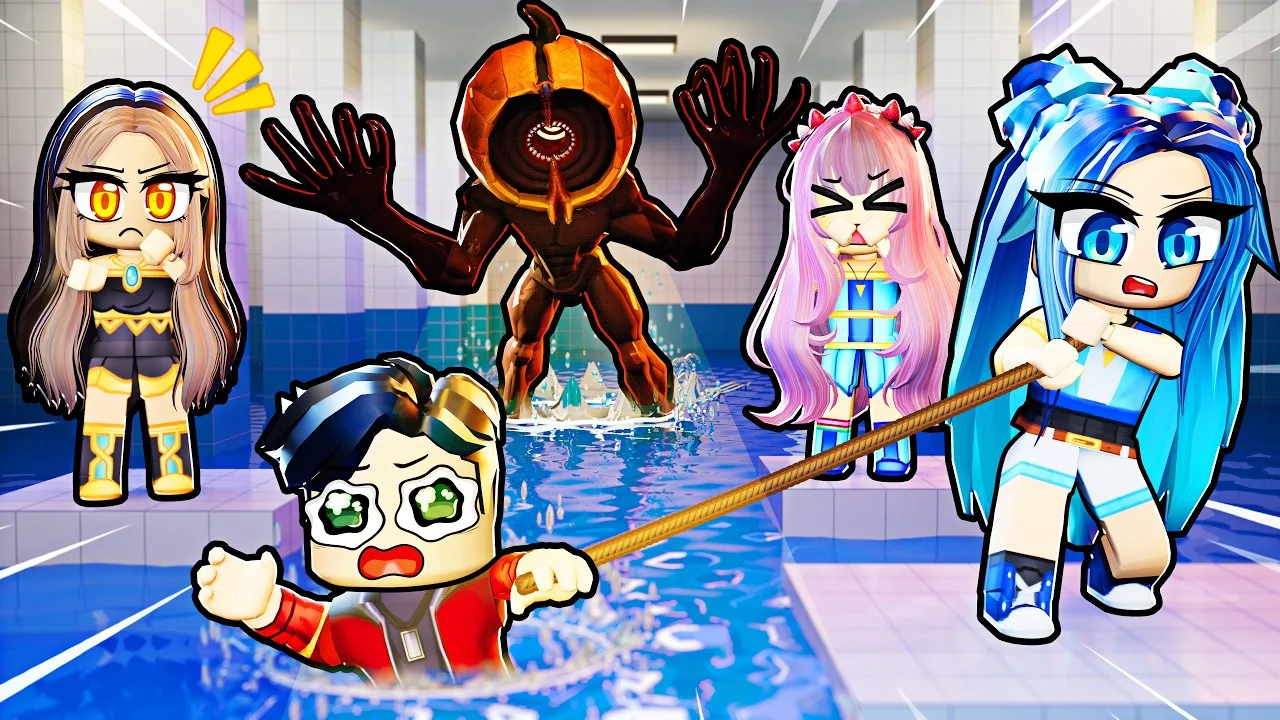
Extra throwing distance lets you place a distraction farther from the platforms you intend to cross. Additional pebble splashes increase the distraction potential of each throw.
Use that range deliberately:
- Choose your next landing point from a stable platform.
- Throw toward water away from your intended route.
- Watch the monster move toward the splash.
- Cross while its attention is elsewhere.
Avoid throwing beside your next platform. That pulls the threat toward the exact place you need to land.
Pebbles are an inexpensive starting option: five cost 25 Coins. Bottles create a louder splash, can attract multiple enemies, and have better range than Pebbles. Throwing Range benefits both, so the upgrade remains useful when you switch between them.
Keep rescue upgrades behind your distraction upgrades when playing alone. Their teammate-saving effects belong in a cooperative loadout.
Team Runs: Improve Rescue Speed and Rope Reach
Prioritize Rescue Speed when your group regularly pulls teammates out of the water. Shortening the rescue reduces the time spent exposed while someone is waiting for help.
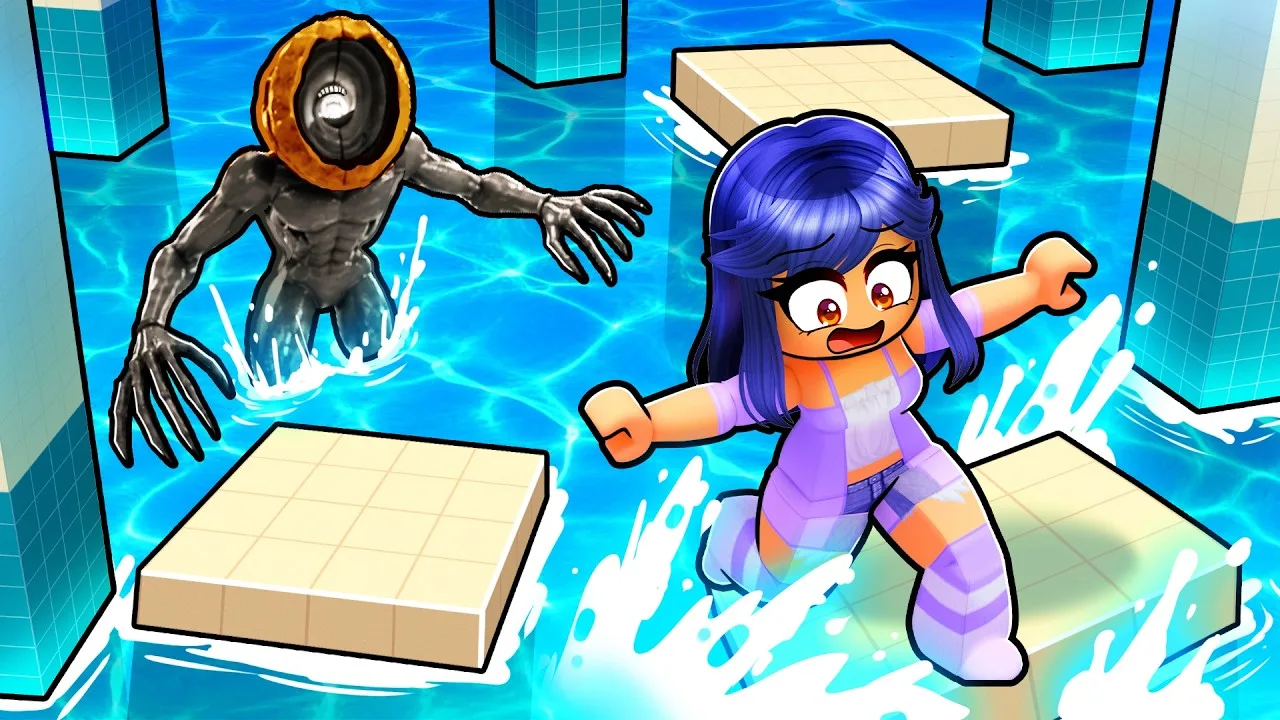
Pair it with Rope Reach if your team uses the Rescue Rope. The rope can pull a fallen teammate onto a platform from a distance, but its once-per-room limit makes each use important.
Coordinate the rescue before rushing toward the water:
- Have one teammate throw a distraction away from the rescue position.
- Stand on secure footing within reach of the fallen player.
- Keep the rescuer's landing space clear.
- Use the rope when its extra reach solves the problem.
Avoid trying to rescue from a sinking or drifting platform when stable footing is available. A longer rope cannot keep the rescuer's platform from moving away.
Spread out enough to leave room for safe landings. Following directly behind a teammate can leave both players scrambling for space when someone stops or falls.
When to Upgrade Flares and Wind-Up Toys
Leave Flare Radius and Toy Battery until you regularly carry their matching equipment. Their effects are narrower than Throwing Range, which supports two distraction tools.
Flare Radius
A Flare stuns an enemy for 5 seconds. Increasing its radius expands the area it can affect.
Use the stun to complete a specific action: cross the next gap, reach stable ground, or give a teammate time to perform a rescue. Plan that movement before activating it.
Favor distraction tools when several monsters need to be pulled away together. The Flare's utility is more limited in rooms with multiple enemies.
Toy Battery
The Wind-Up Toy keeps making noise, including while in the water. Toy Battery extends that distraction from 6 to 7 seconds.
Upgrade it when you already use the toy to create a sustained distraction. Place the noise away from your crossing route, then move during the distraction instead of spending its duration deciding where to go.
Where to Buy Upgrades and Compare Robux Options
Earn Coins by clearing rooms and escaping maps, then visit the adjacent equipment and upgrade shops in the main lobby. Enter the shop portal to open its purchase menu.
Keep equipment purchases separate from upgrades: improving Rope Reach does not replace obtaining a Rescue Rope, and Toy Battery only helps when you use a Wind-Up Toy.
For Robux purchases, compare the upgrade passes before buying several individual options:
| Purchase | Price | Included benefit |
|---|---|---|
| All Upgrades Maxed | 149 Robux | Maxes all upgrades |
| Max Rescue Speed, Max Rope Reach, Max Throwing Range, Max Pebble Skipping, Max Flare Radius, or Max Toy Battery | 75 Robux each | Sets the named upgrade to level 3/3 permanently |
| Rescue Rope | 30 Robux | Permanently unlocks the reusable rope |
| 4th Tool Slot | 99 Robux | Adds one loadout slot |
| 5th Tool Slot | 149 Robux | Adds a second extra loadout slot |
| 2x Cash | 99 Robux | Permanently doubles cash earned during runs |
Compare All Upgrades Maxed with the individual 75-Robux passes before purchasing multiple max-level upgrades. Treat the Rescue Rope unlock and extra tool slots as separate purchases with different benefits.
If your current loadout already covers distractions and rescues, spend Coins on its matching upgrades before adding equipment you rarely use.
Continue exploring
Popular pages

Don't Splash Beginner Guide: Survive All Nine Stages
Use this Don't Splash beginner guide to time tricky jumps, handle moving platforms, solve the final camera puzzle, and spend Robux wisely on useful tools.
Don't Splash Behind the Tiles: Badge Clue Explained
Explore Don't Splash behind the tiles, the Behind the Tiles badge's radio clue, and memory bridge mechanics to keep in mind during your next Roblox run.
Don't Splash Hard Mode: How to Unlock It and Prepare
Unlock Don't Splash hard mode by beating Normal twice. Learn how to handle sinking platforms, remember safe tiles, and use pebbles before your next run.
Don't Splash How to Avoid Splashing: Monster Survival
Don't Splash how to avoid splashing: learn safe jump timing, handle moving platforms, and use pebbles to draw monsters away from your route to the exit.
Join the community
Official channels for news, updates and player help: