
Don't Splash Hard Mode: How to Unlock It and Prepare
Unlock Don't Splash hard mode by beating Normal twice. Learn how to handle sinking platforms, remember safe tiles, and use pebbles before your next run.
Jump to
How to Unlock Hard Mode
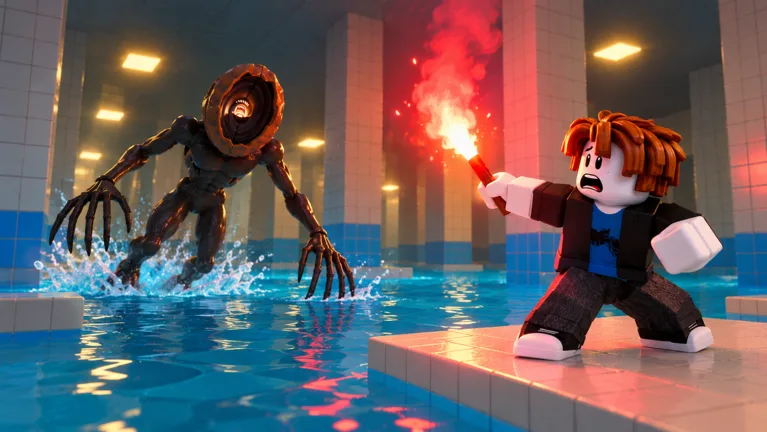
Don't Splash hard mode unlocks after you beat Normal twice. Focus on completing those two runs before chasing faster times. Use them to practice the moving platforms, learn the Memory bridge, and get comfortable throwing pebbles while a monster closes in.
An Easy clear gets you familiar with the course, but the unlock requirement specifically calls for two Normal completions. Start your qualifying runs in DONT SPLASH on Roblox.
Practice the Platform Sections on Normal
Water makes every missed jump dangerous: splashes attract monsters, and moving through the water slows you down. Plan your next landing before leaving a platform.
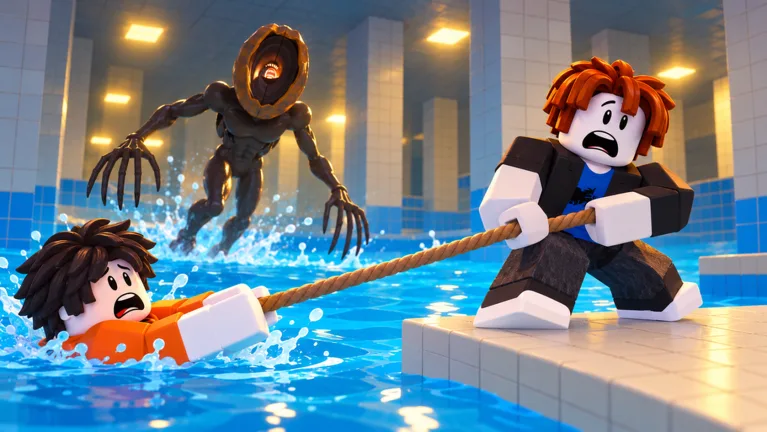 Image: Roblox / Bacon Theory
Normal already includes several obstacles worth practicing:
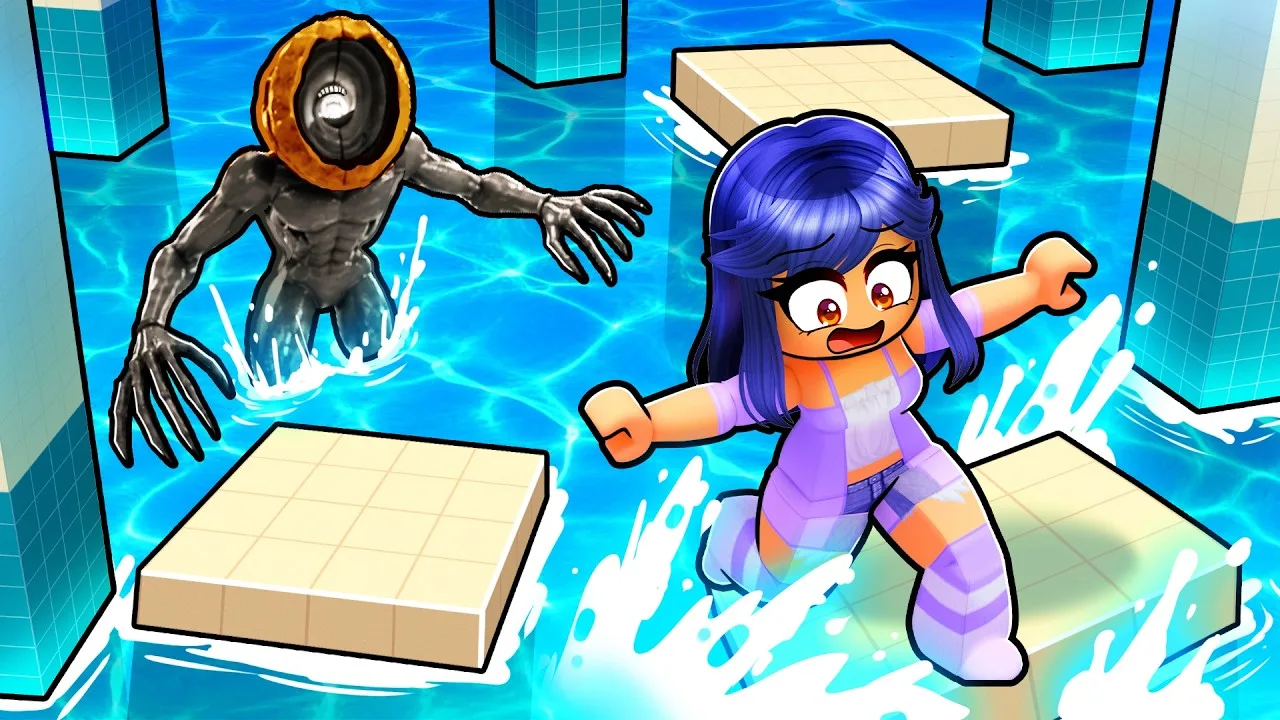
- Sinking platforms: Keep moving once you land. These platforms sink, so choose your next jump before stepping onto them.
- Rotating bridge: Wait for the bridge to line up with your route instead of forcing a jump while it turns away.
- Moving platforms: Watch their movement before committing. Aim for where the landing platform is heading.
- Drifting platforms: Account for the arrows pushing you. Adjust your position before they carry you toward the water.
Separate waiting spots from platforms that demand immediate movement. Waiting helps with a rotating bridge; lingering on a sinking platform creates another problem.
Keep your route deliberate around other players, too. Players can push each other, making crowded jumps an additional hazard.
Handle Memory Bridge and Crushing Walls
Memory bridge
Watch the tiles light up, then remember the safe route. Wrong tiles disappear beneath you.
Memorize a manageable stretch before jumping. If you lose track, wait on a safe tile for the pattern to appear again instead of guessing. The tiles light up repeatedly, giving you another chance to read the route.
Keep your attention on the next safe landing rather than the monster circling nearby. A rushed guess can drop you into the water.
Crushing walls
The walls slide inward and can shove you off the course. One lane stays open, and red warnings tell you where to move away.
Look for the open lane before advancing. Move out of the red promptly, then line up your next jump. Avoid letting the warning distract you into jumping toward water.
Use Pebbles With a Clear Throwing Path
Pebbles create distracting splashes, giving you a way to draw monsters away from your route. Throw toward water away from your intended landing, then keep moving.
Check the throw's path first. A pebble can hit a pillar or platform instead of reaching the water, wasting the distraction. Pick up additional pebbles along the route rather than assuming your current supply will last through the final puzzle.
Permanent equipment options include:
- Rescue Rope: 30 Robux for a reusable rope unlock.
- 4th Tool Slot: 99 Robux for one extra loadout slot.
- 5th Tool Slot: 149 Robux for a second extra loadout slot.
The hard-mode unlock requirement is two Normal clears; these purchases are separate equipment options.
Finish the Snap Puzzle Without Rushing
Snap asks you to find four numbers on pillars and photograph each with your camera. Some pillars have no number, so keep searching when a photo comes back empty.
Work through the area deliberately:
- Look for a numbered pillar.
- Photograph its number with the camera.
- Continue searching for the remaining numbers.
- Collect nearby pebbles to maintain your supply of distractions.
- Use the combination from your current run to finish the puzzle.
Use your own numbers rather than memorizing a fixed code. Combinations differ between runs. Keep checking your landing spots while searching the pillars—the puzzle still requires you to navigate above the water.
Continue with
 Don't Splash Solo Guide: Survive Without a TeammateMaster Don't Splash solo with party setup, difficulty choices, distraction tips, and upgrade priorities to help you cross rooms and reach the exit alone.
Continue exploring
Join the community
Official channels for news, updates and player help: